



SMART WIFISMART WIFI
POWEREDPOWERED
BY EERO BY EERO
Seamless WiFi all around your home - guaranteedSeamless WiFi all around your home - guaranteed




Get the best in-home connectivity with eero Smart WiFi
Our Smart WiFi Mesh technology helps you get the best connection all around your home. We use the latest eero WiFi 7 routers to provide seamless coverage, enabling you to connect up to 200 devices all at once. And if we're installing to your property for the first time, our engineers will even set it all up for you.
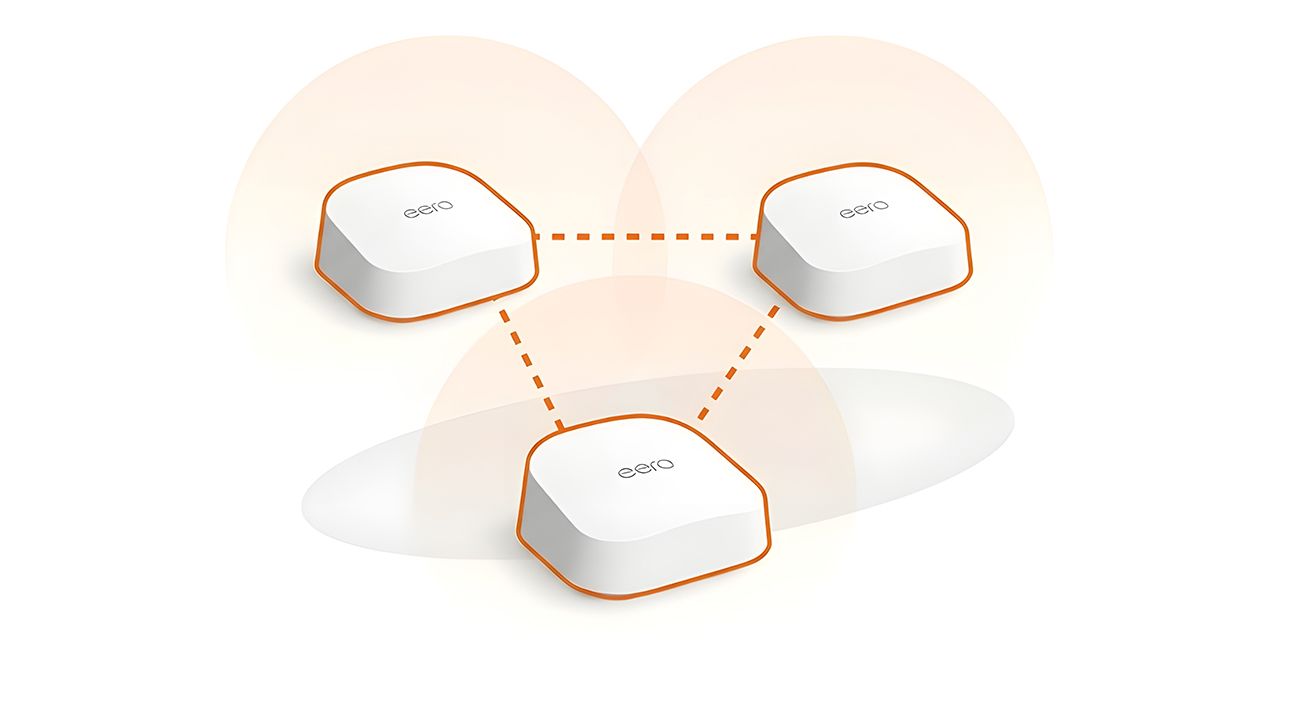
Better WiFi with Gigaclear and eero
Fast WiFi everywhere
Creating Smart WiFi mesh with eero WiFi 7 devices means faster speeds across your home.
Expert Smart WiFi set-up
On installation day, our expert engineers will take care of setting up your broadband router and any additional eero devices throughout your home.
WiFi Guarantee
Reliable WiFi you can trust. No matter which package you choose, it’s backed by our WiFi guarantee - giving you peace of mind that you’ll enjoy strong, reliable coverage.
Expert support
Got a question or need technical help? Our UK-based support team is on hand seven days a week, ready to help.
Fast enough to keep everyone happy
With eero Smart WiFi the whole family can game, stream, and surf, all at once. And our full fibre broadband will barely break a sweat. So everyone can enjoy the warm feeling of digital happiness.

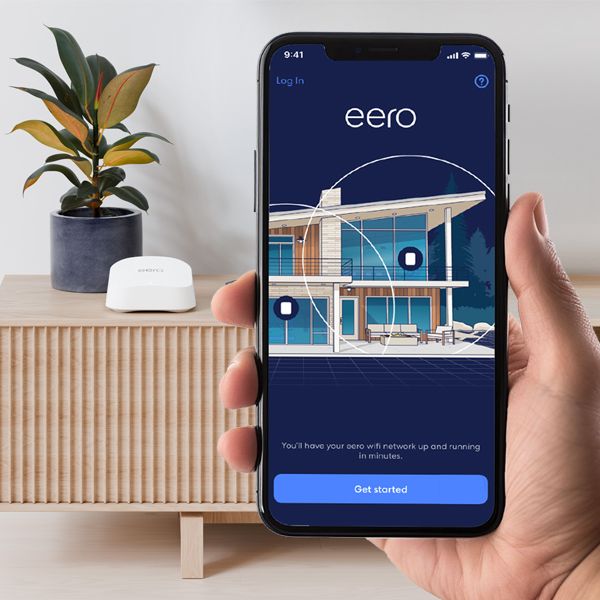
Simple for guests. And safe for kids.
The eero app makes managing your connection simple, from guest access to parental controls. And with optional eero Secure, you'll get even more features and control.
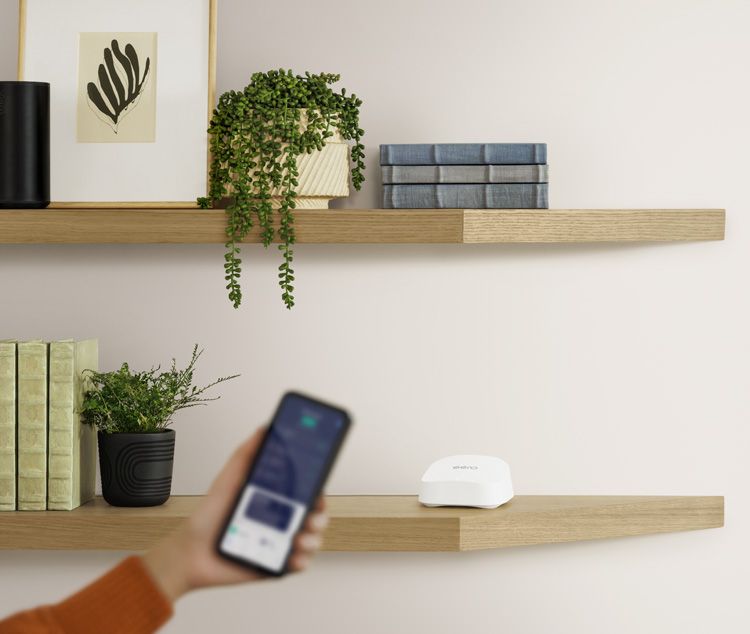
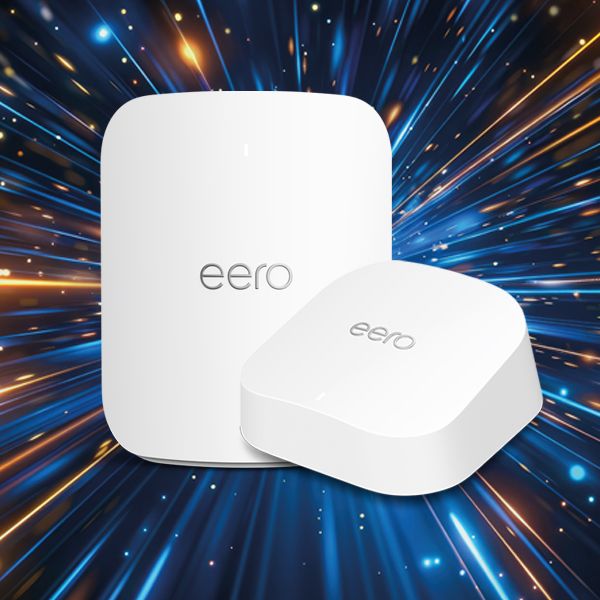
All Gigaclear broadband packages come with an eero router as standard. Packages below 600 Mbps include the eero 7, and packages 600 Mbps and above include the eero Pro 7. Both are powered by Wi-Fi 7, delivering whole-home mesh WiFi with intelligent coverage that gets better over time.
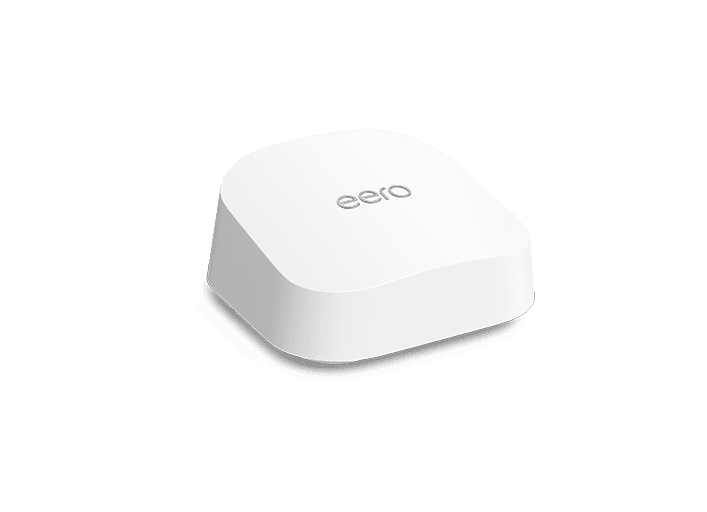
eero Device
Every Gigaclear package includes an eero 7 device, ideal for up to a typical 2-bedroom home.
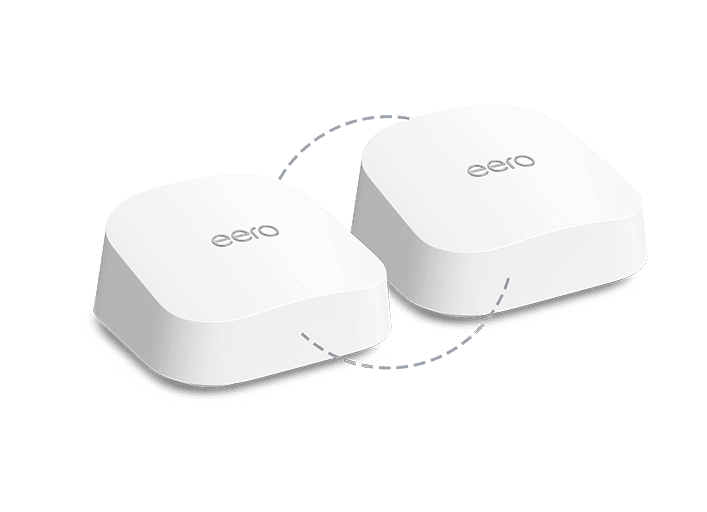
Smart WiFi
One additional eero 7 node extends coverage across a typical 3-bedroom home.
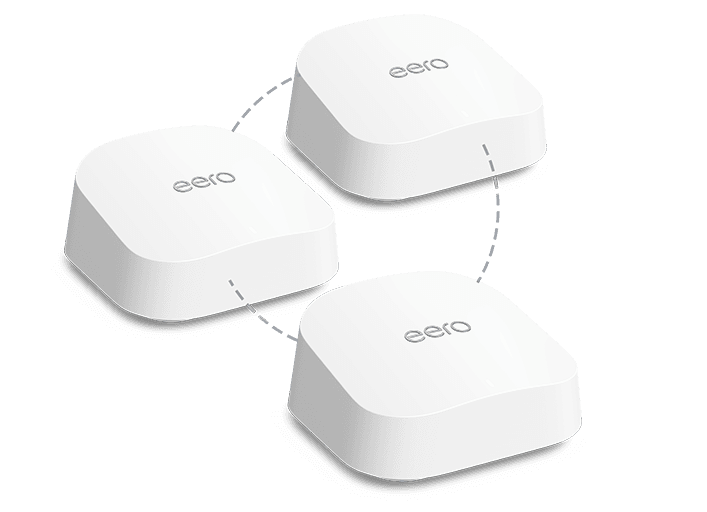
Smart WiFi Plus
Two additional eero 7 nodes for broader coverage, ideal for a typical 4-bedroom home.
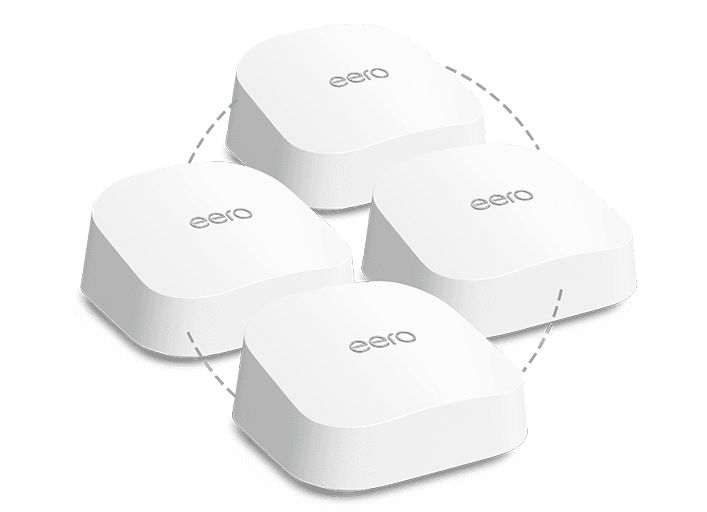
Smart WiFi Max
Three additional eero 7 nodes for whole-home coverage, perfect for larger 5+ bedroom properties.
eero Device
Every Gigaclear package includes an eero 7 device, ideal for up to a typical 2-bedroom home.
Smart WiFi
One additional eero 7 node extends coverage across a typical 3-bedroom home.
Smart WiFi Plus
Two additional eero 7 nodes for broader coverage, ideal for a typical 4-bedroom home.
Smart WiFi Max
Three additional eero 7 nodes for whole-home coverage, perfect for larger 5+ bedroom properties.
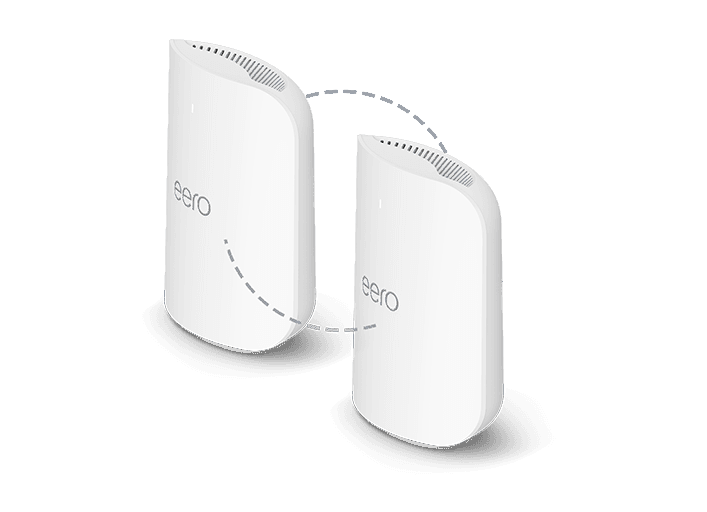
Smart WiFi
One additional eero Pro 7 node brings premium tri-band Wi-Fi 7 coverage to a typical 3-bedroom home.
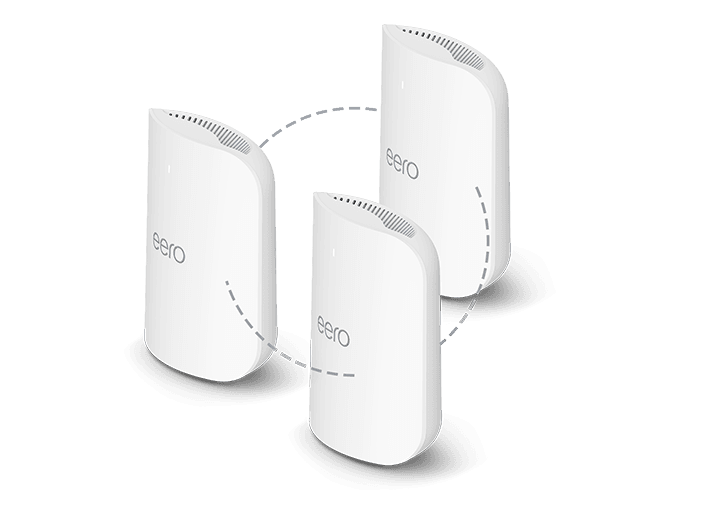
Smart WiFi Plus
Two additional eero Pro 7 nodes delivering whole-home coverage for a typical 4-bedroom home.
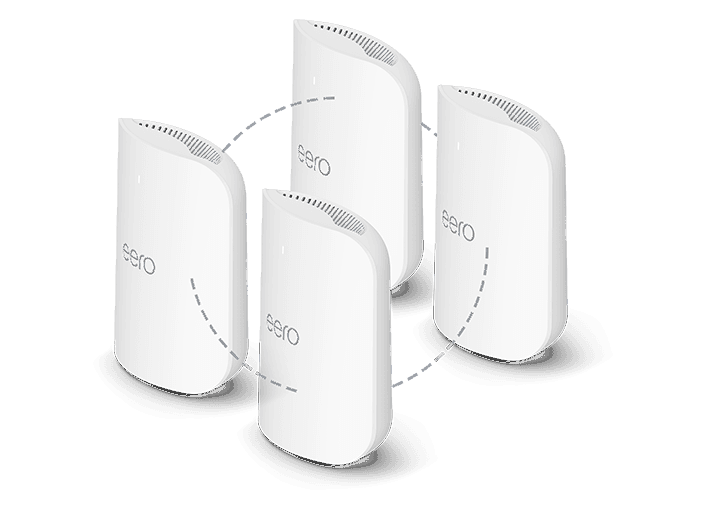
Smart WiFi Max
Three additional eero Pro 7 nodes for maximum performance across larger 5+ bedroom homes.
Smart WiFi
One additional eero Pro 7 node brings premium tri-band Wi-Fi 7 coverage to a typical 3-bedroom home.
Smart WiFi Plus
Two additional eero Pro 7 nodes delivering whole-home coverage for a typical 4-bedroom home.
Smart WiFi Max
Three additional eero Pro 7 nodes for maximum performance across larger 5+ bedroom homes.