
Software update
eero
Help ensure your wifi network is always up to date.
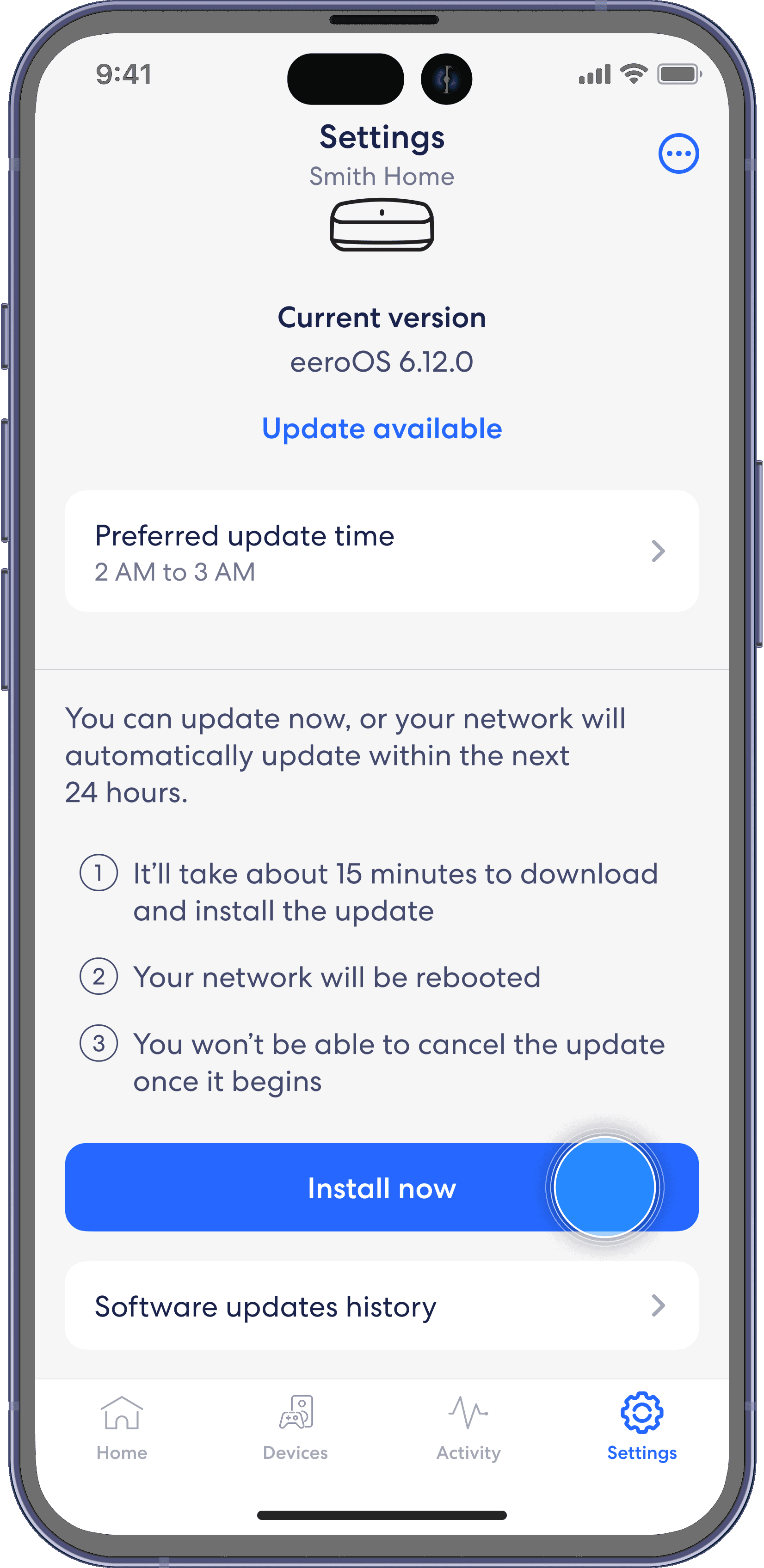
Note: If there is a software upgrade available for your network, follow these instructions to start the upgrade process. Additionally, you can also select a preferred update time for future automatic software updates to be installed by selecting Preferred update time at the top.
Step 1
From the Settings tab, select Software version.

Step 2
If a software version is available, tap Install now.
Step 3
Tap Yes, update now to update your system.
