Internet Backup
eero
With a backup connection, your connected home devices, including security devices and smart appliances, can stay online even when internet outages occur. Manage Internet Backup from the Home tab in the eero mobile app.
Step 1
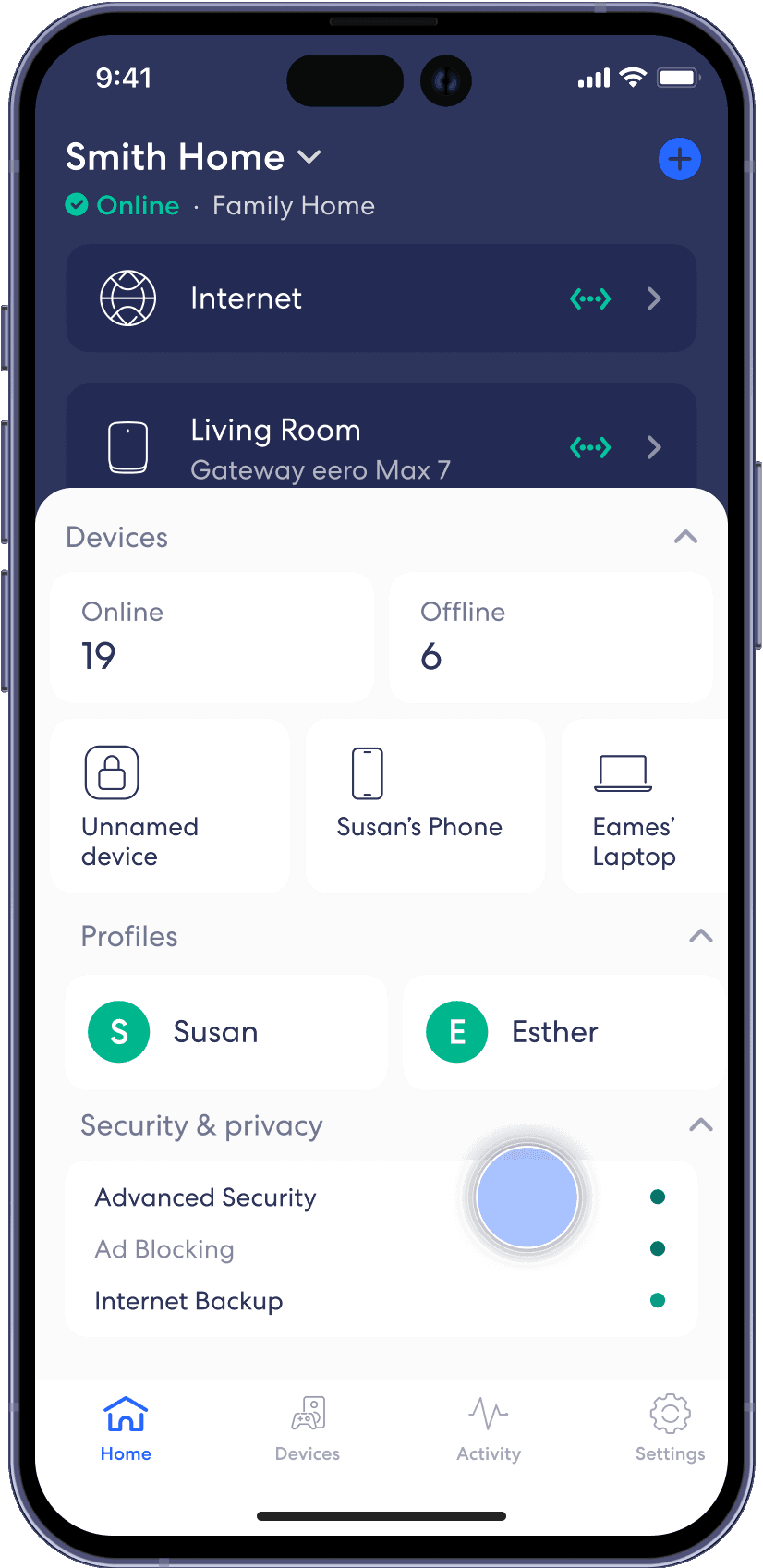
From the Home tab, tap on the module under Security & privacy that says Internet Backup.
Step 2
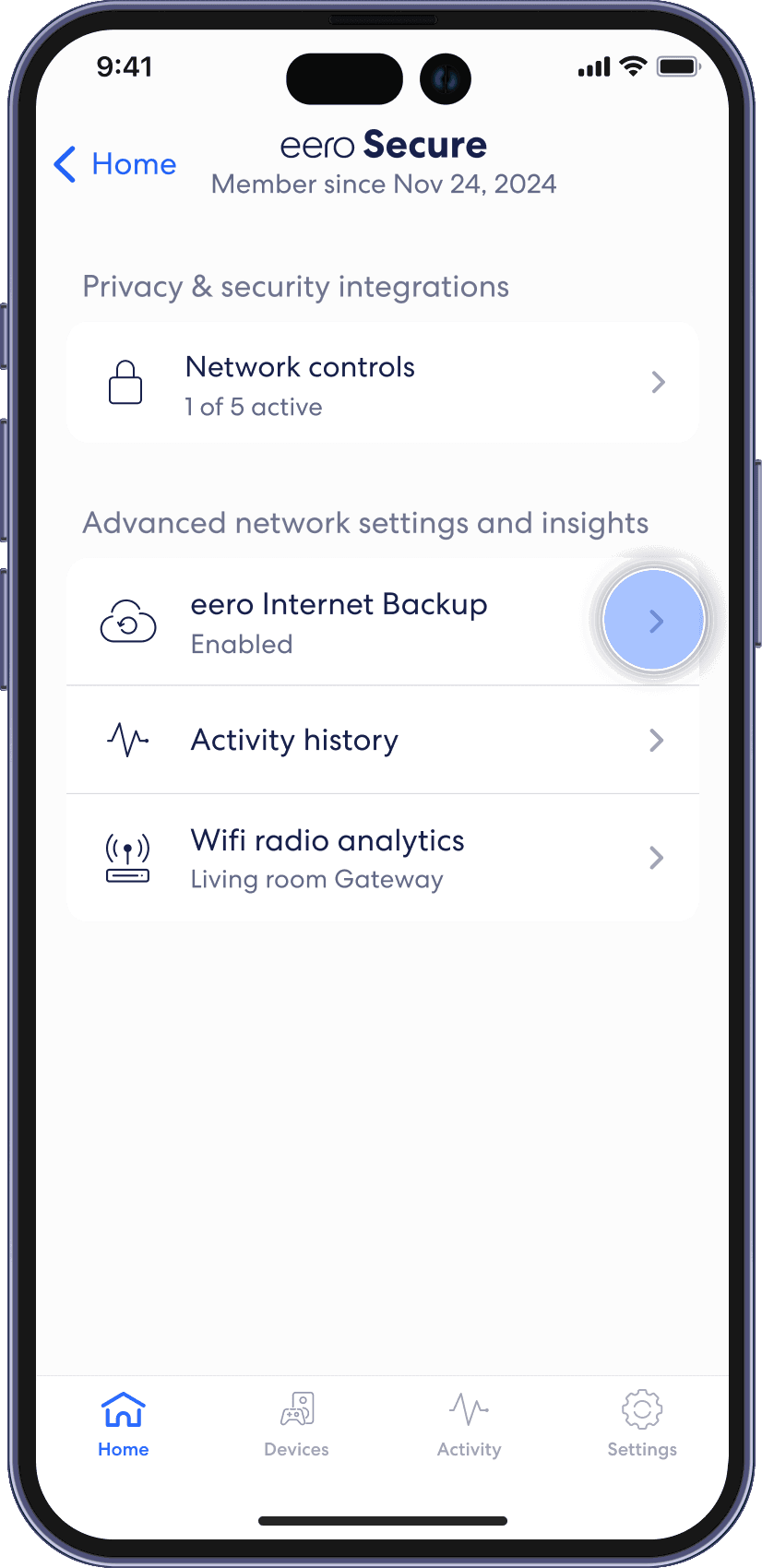
Tap on eero Internet Backup.
Step 3
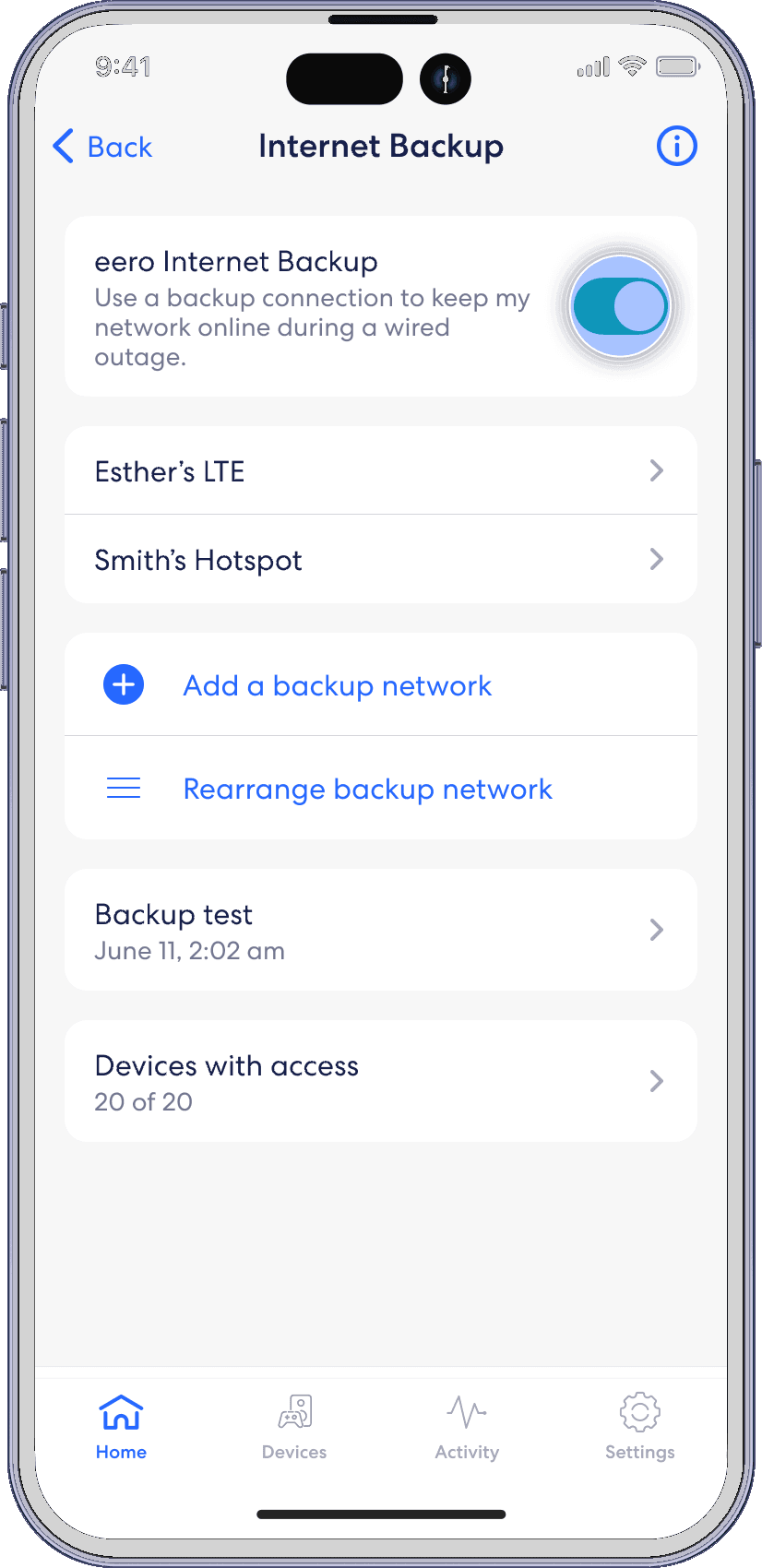
Toggle on eero Internet Backup to turn on.
Step 4
Tap on Add a Backup Network.
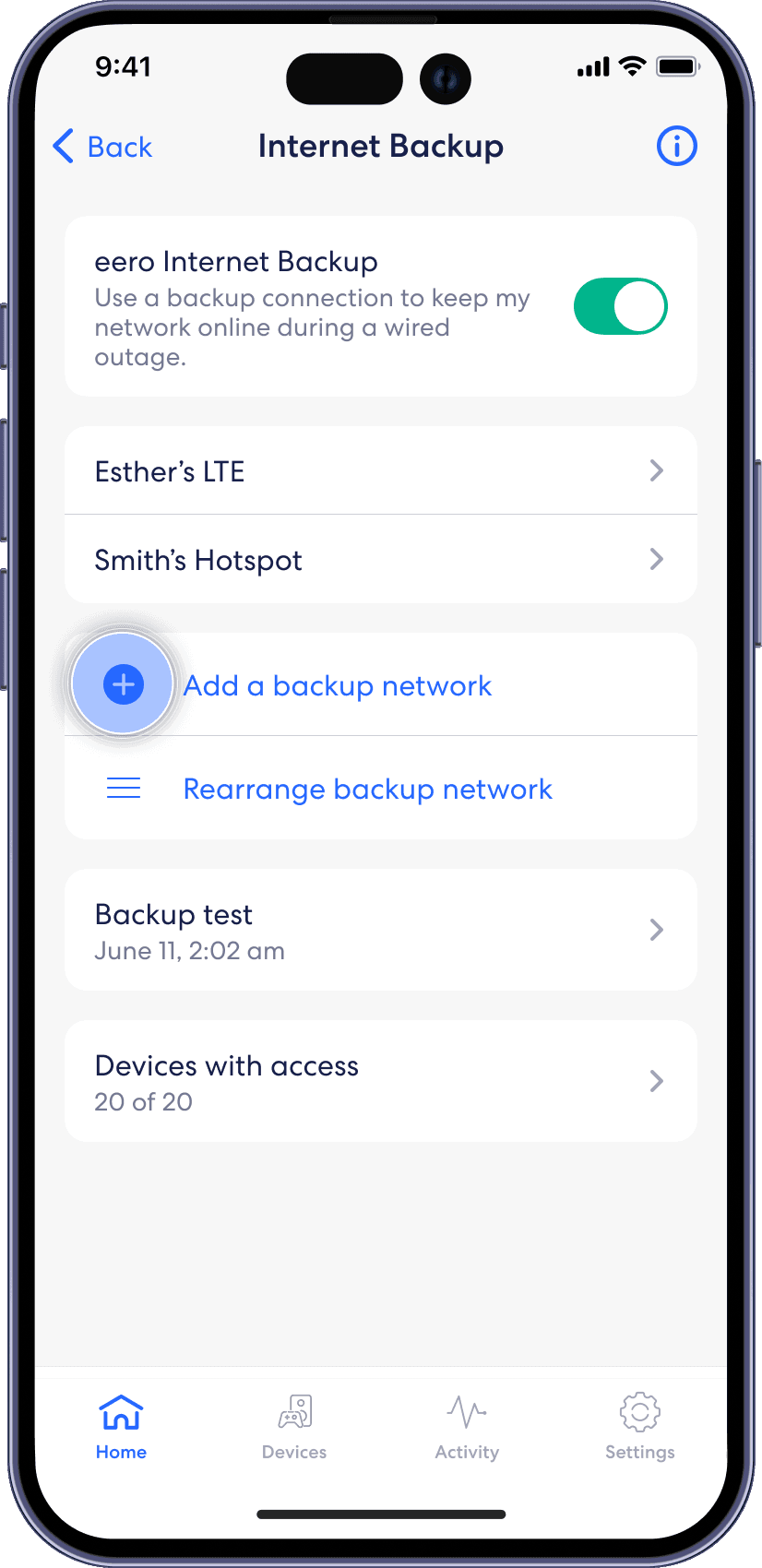
Step 5
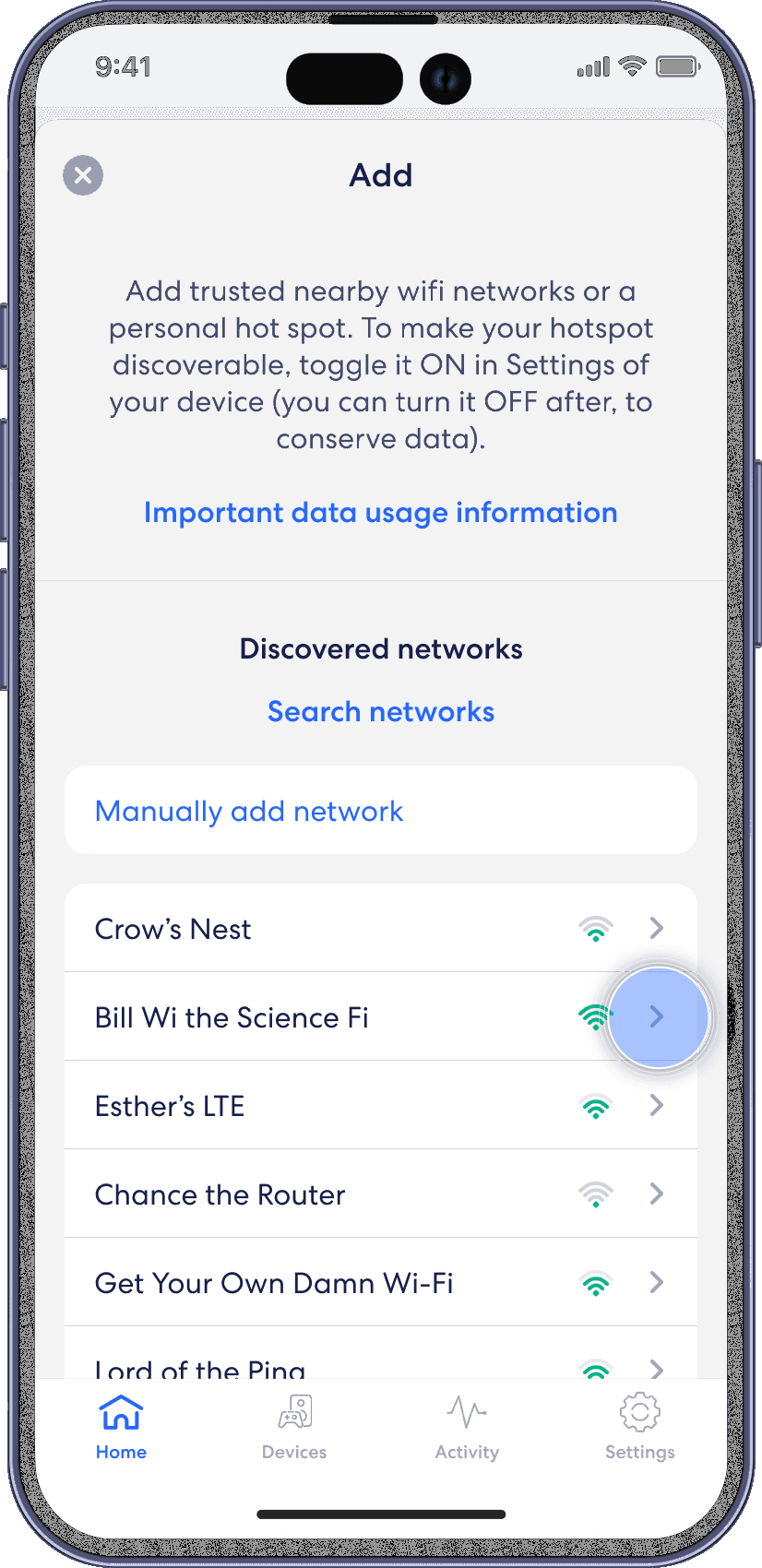
Select your network from the list and enter your password.