Block & allow sites
eero
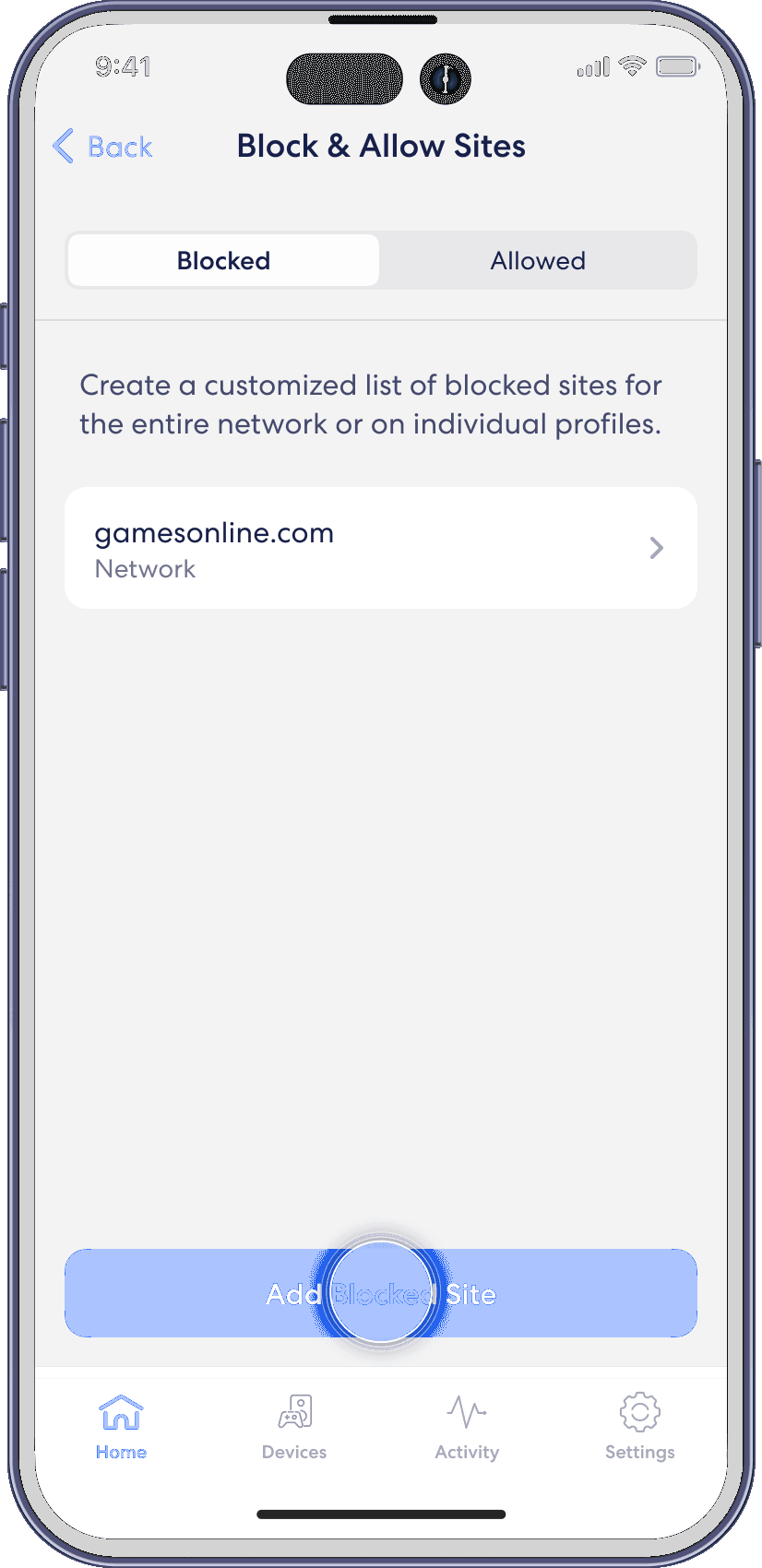
Help prevent particular websites from displaying on certain family members’ devices. Add a site to block from the home tab in the eero mobile app.
For Allowed sites: To add an allowed site, follow these same steps but toggle to the Allowed tab and select Add Allowed Site on Step 4
Step 1
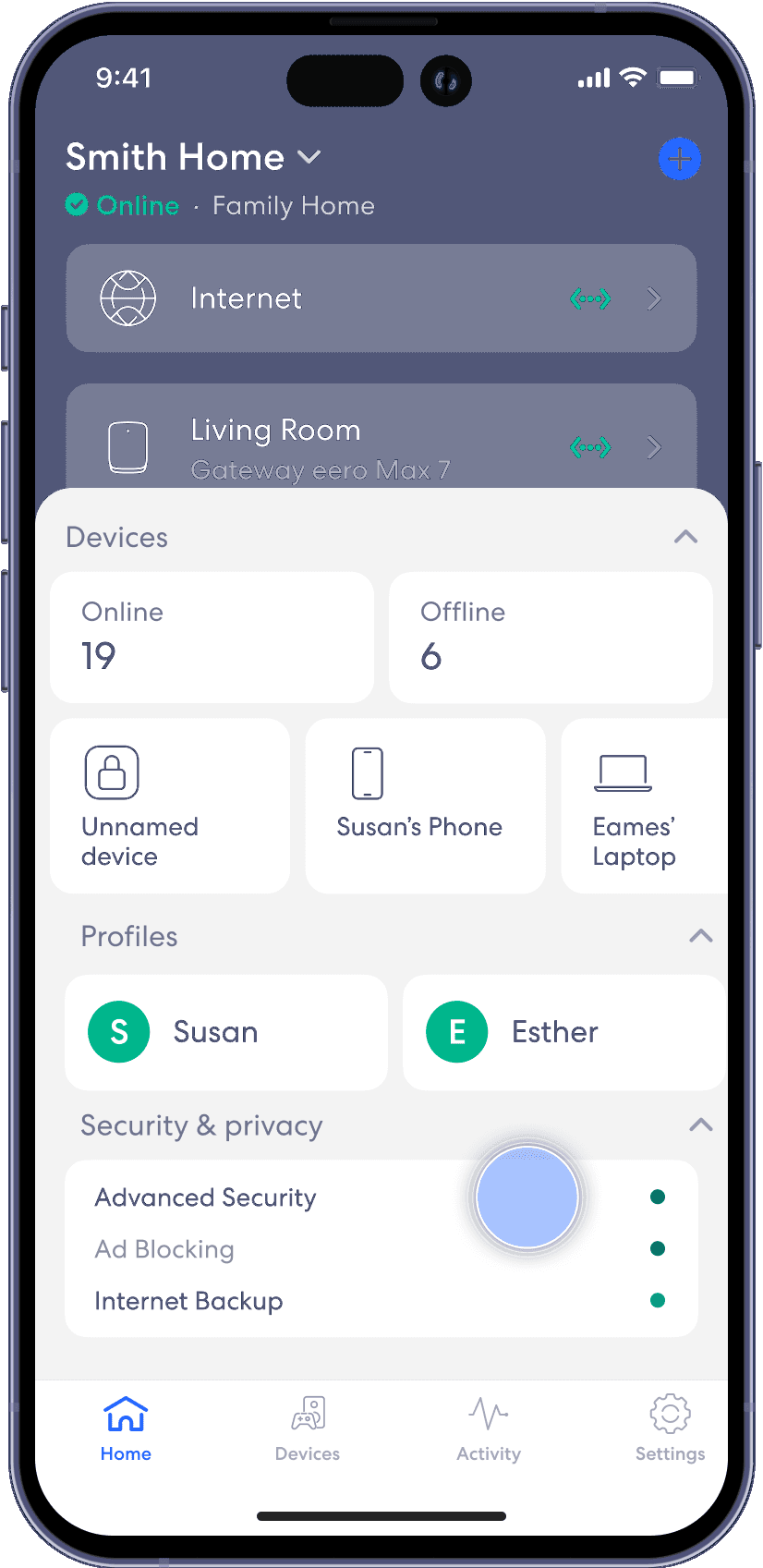
From the Home tab, tap on the module under Security & privacy.
Step 2
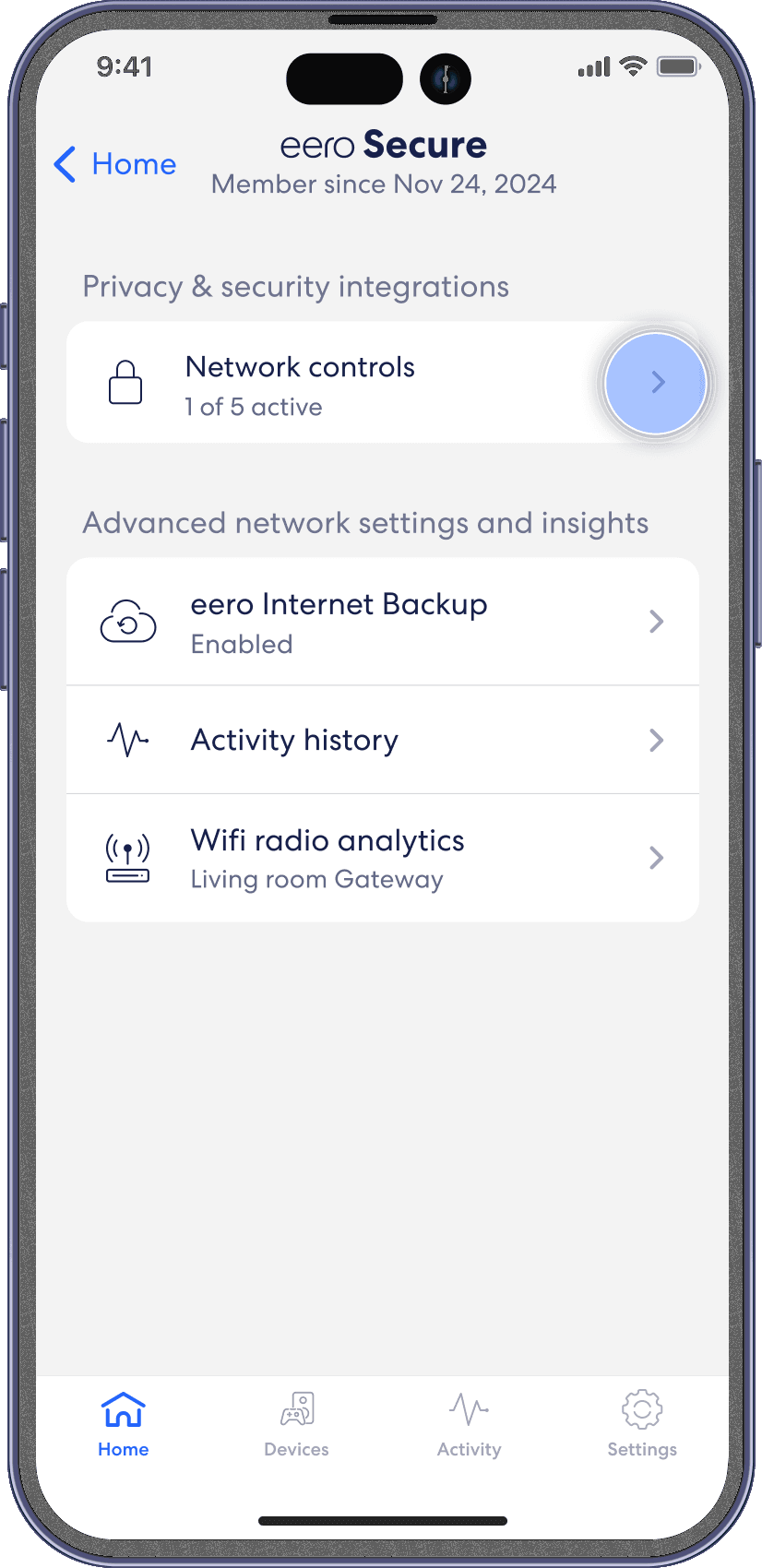
Select on Network Controls.
Step 3
Select Block & allow sites.

Step 4
Tap on Add Blocked Site

Step 5
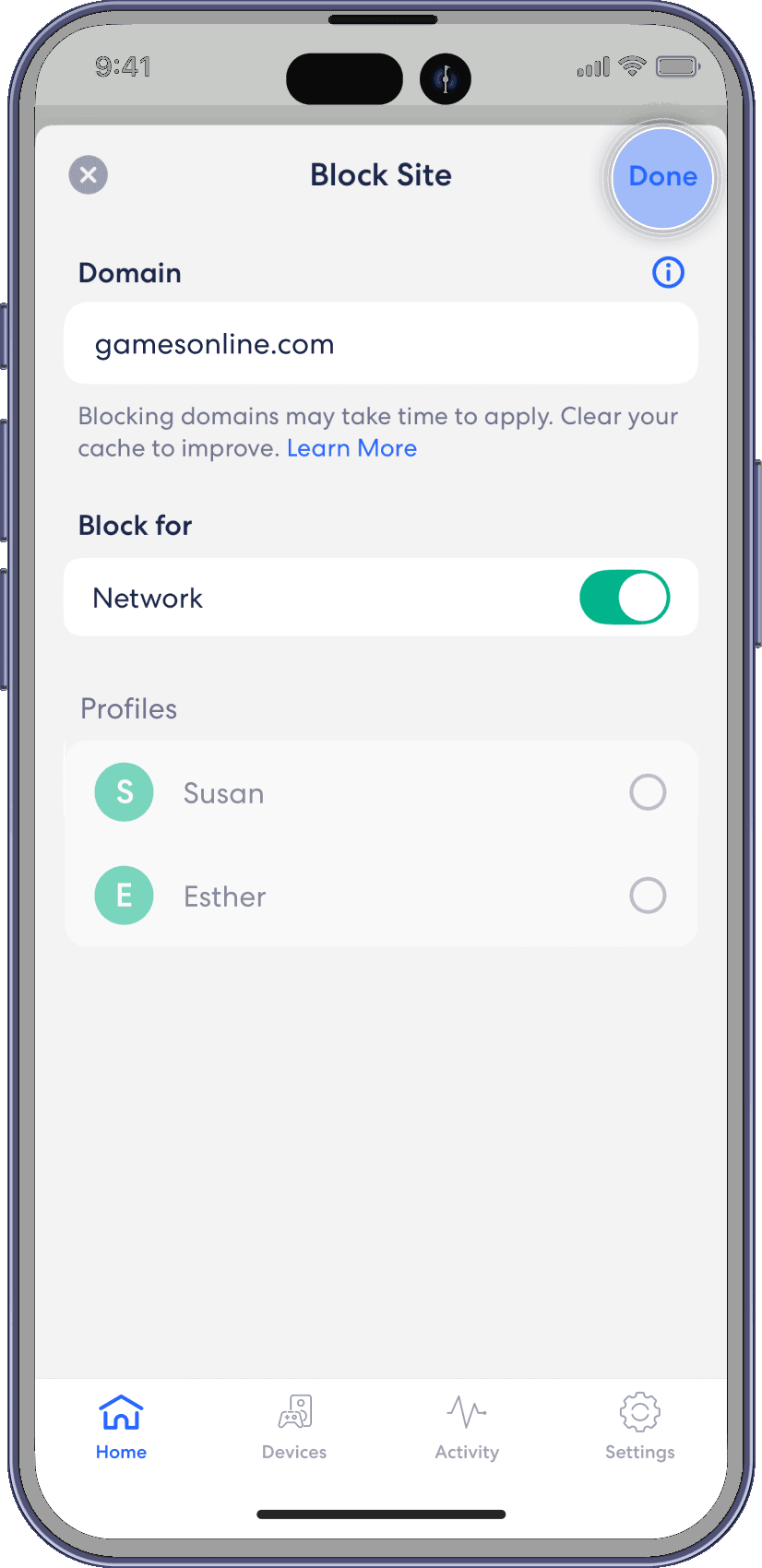
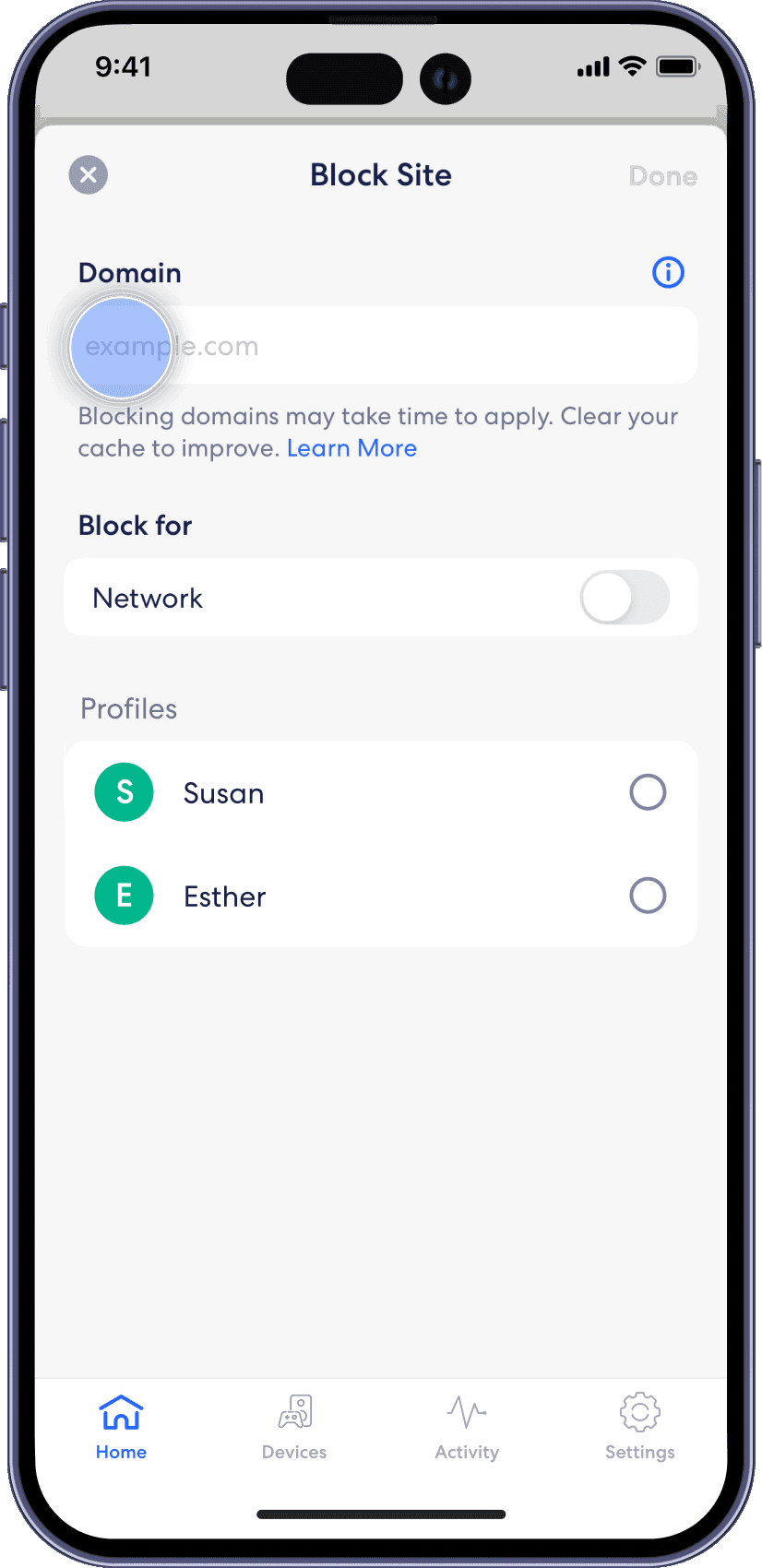
Enter the URL of the website you wish to block and select the profile associated with the blocked site.
Step 6
Tap on Add Blocked Site.
Step 7
Confirm selection by tapping Done.