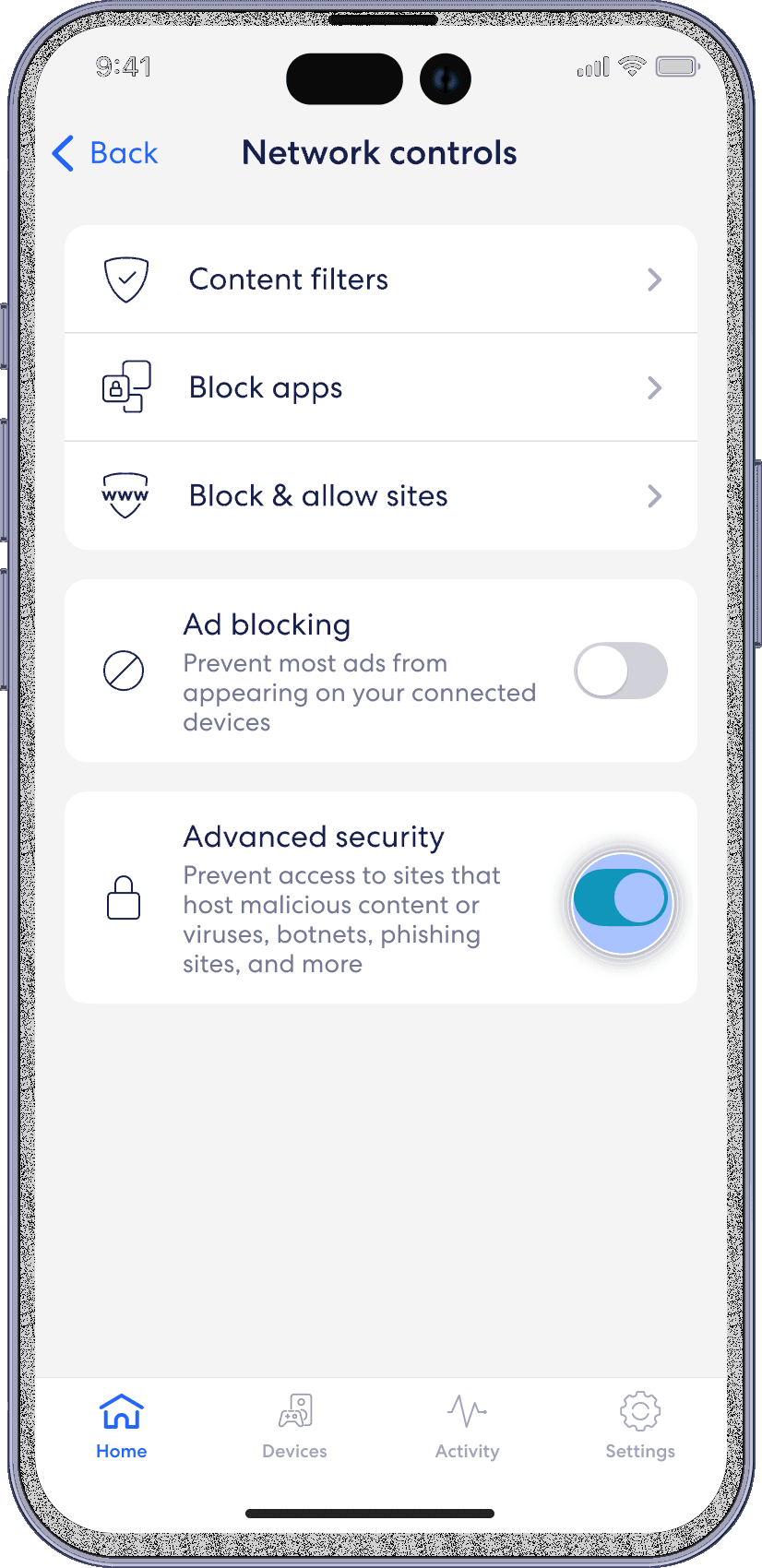
Advanced security
eero
Active threat protection helps keep your family safe from accidentally visiting unknown sites that could lead to phishing attacks and viruses. Turn on Advanced Security from the home tab in your eero mobile app.
Note: Advanced Security is enabled by default for eero.
Step 1
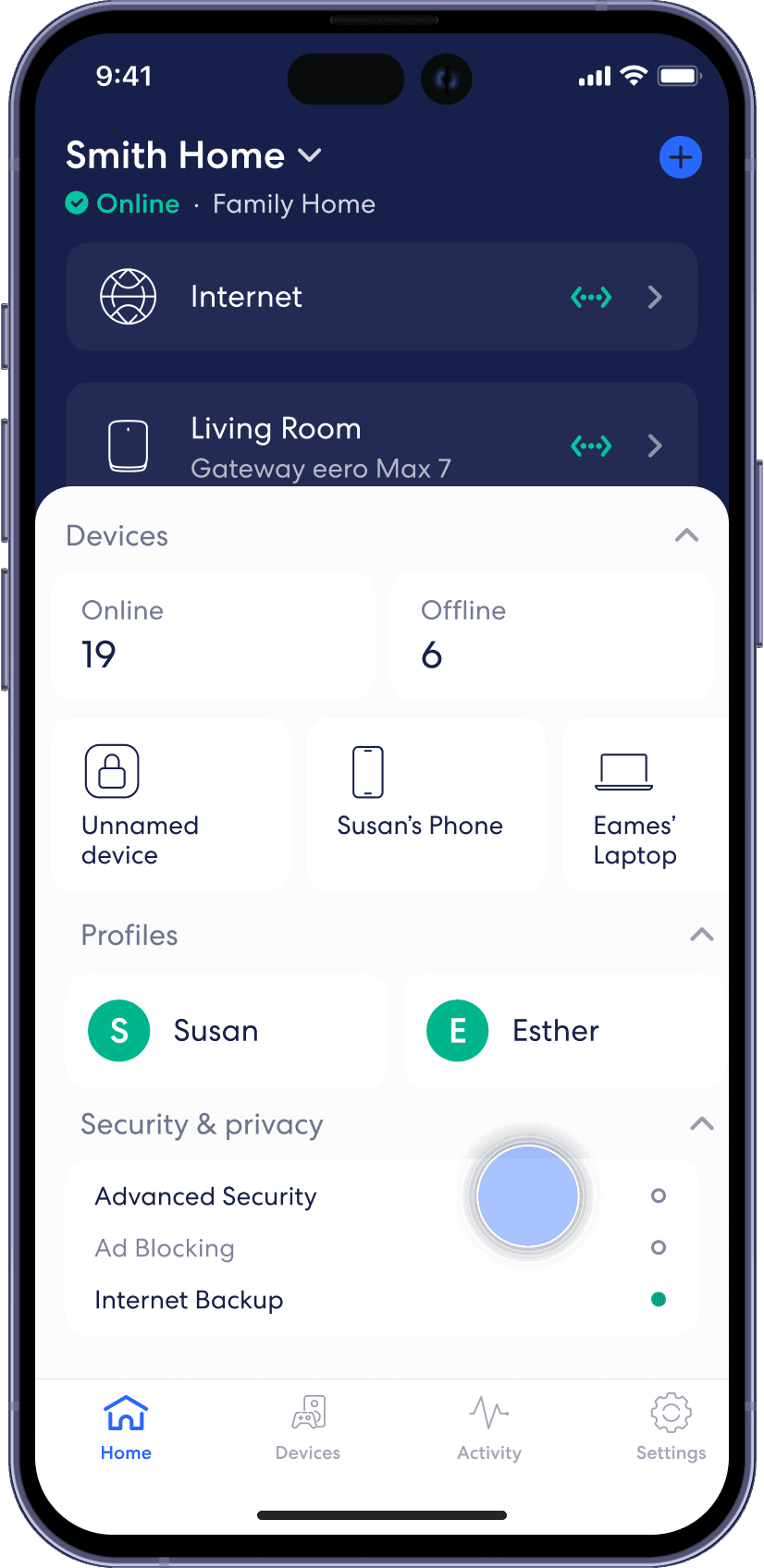
From the Home tab, tap on the module under Security & privacy that says Advanced Security.
Step 2
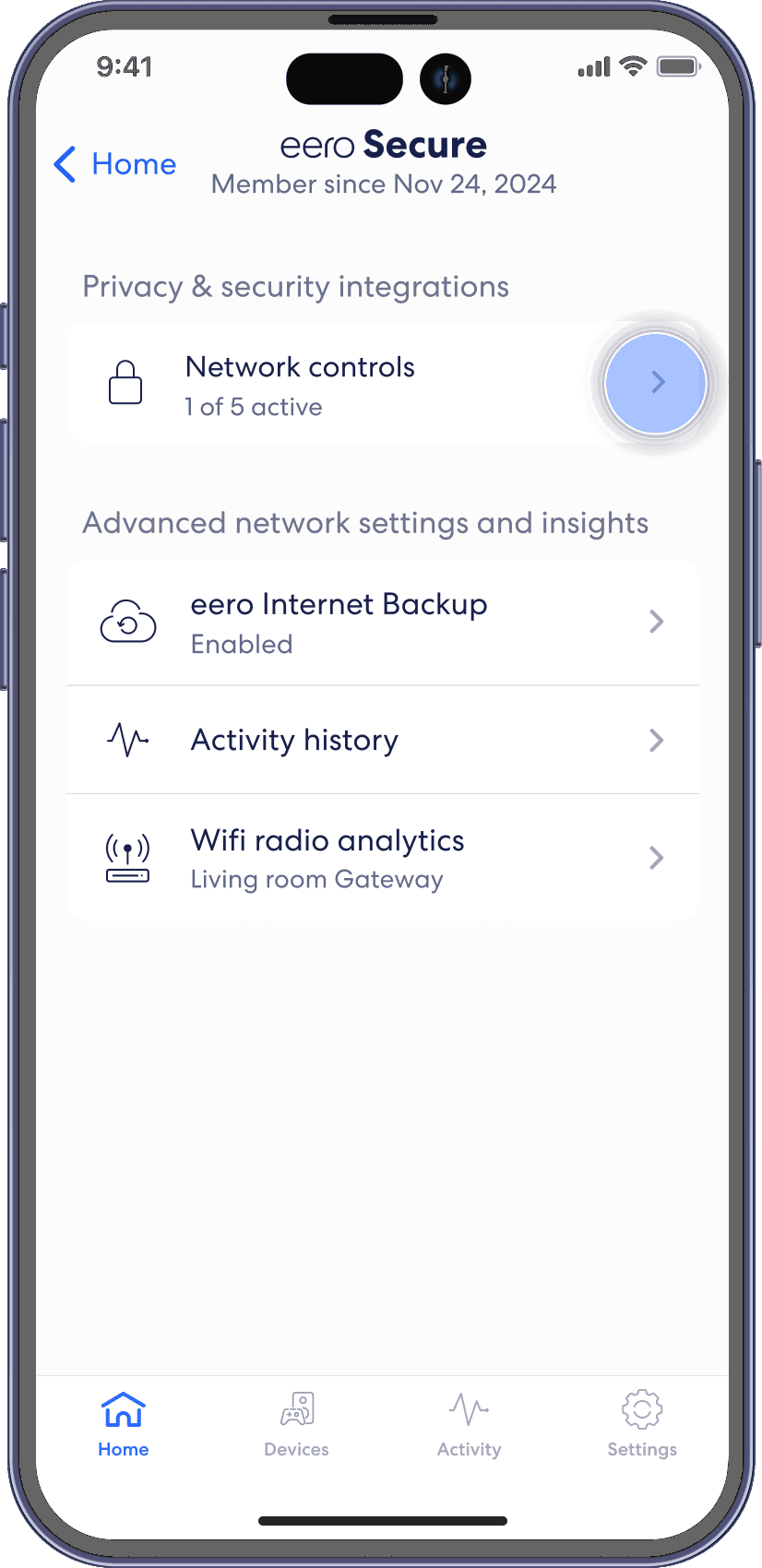
Tap on Network Controls.
Step 3
Toggle on Advanced Security.