Add an indoor eero extender
eero
You can add additional eero devices to extend your network. eero devices can connect to your gateway wirelessly or using an Ethernet cable.
Step 1
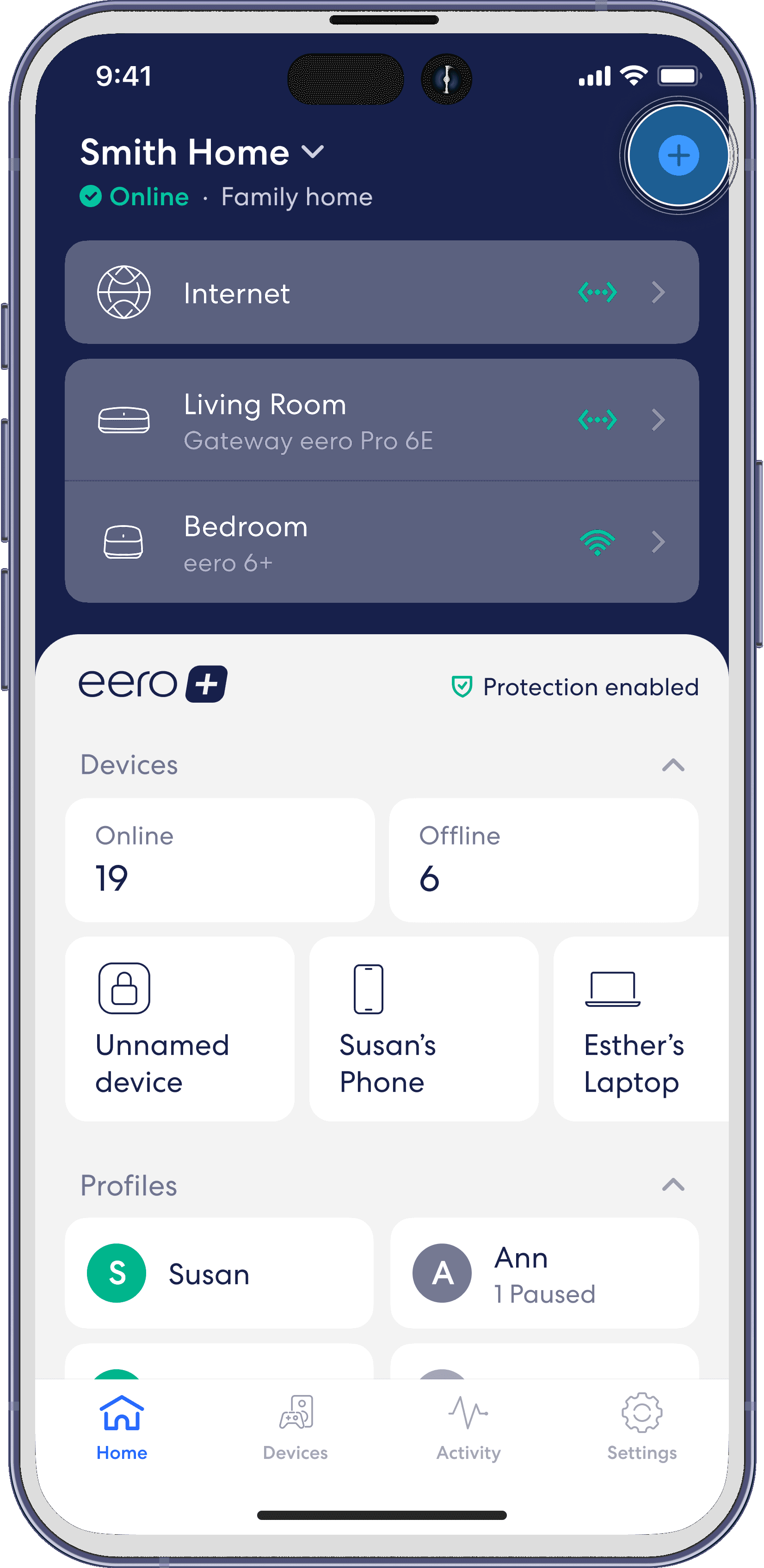
From the Home tab, tap on the + icon in the top right.
Step 2
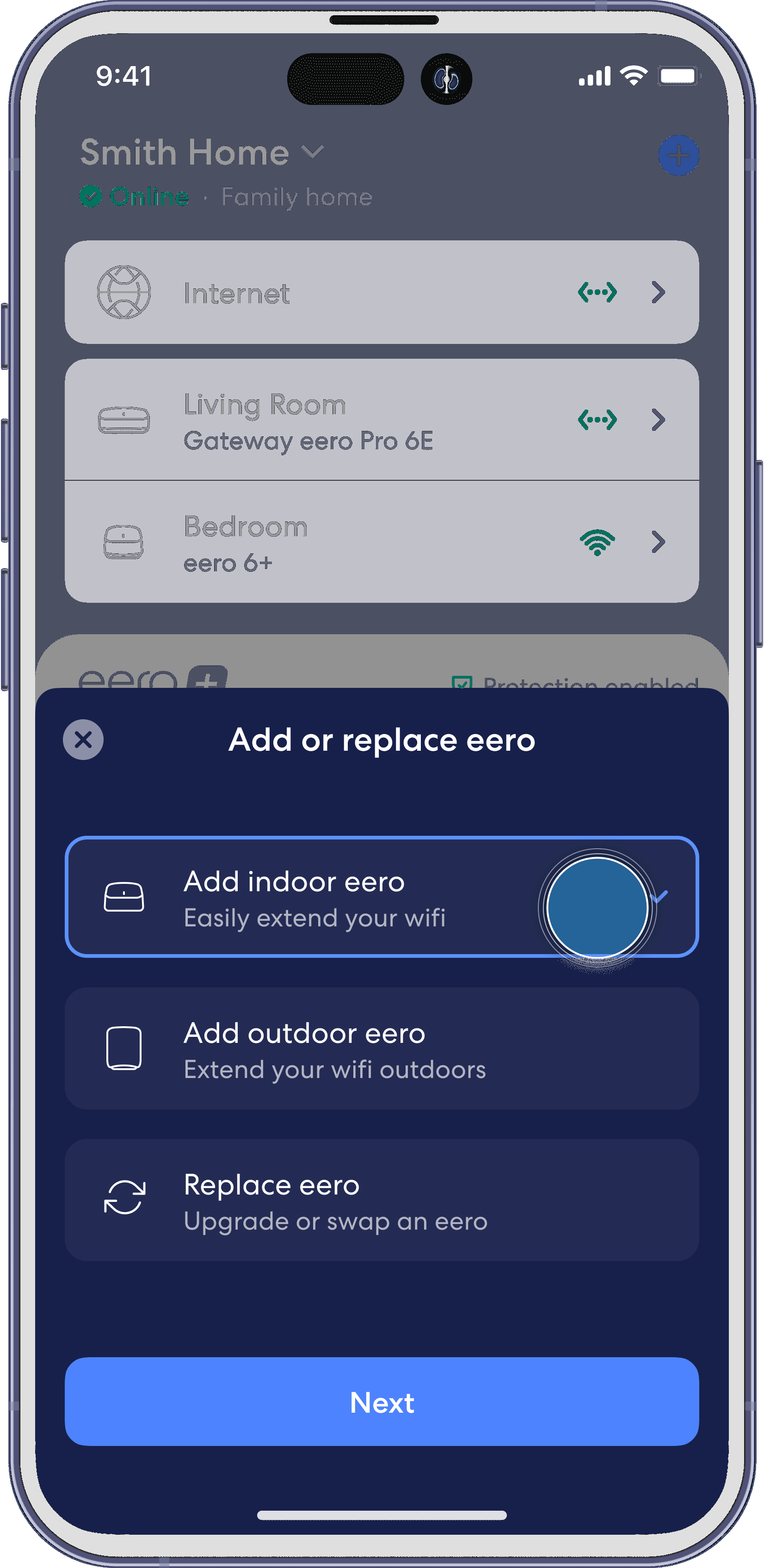
Tap Add indoor eero, then tap Next.
Step 3
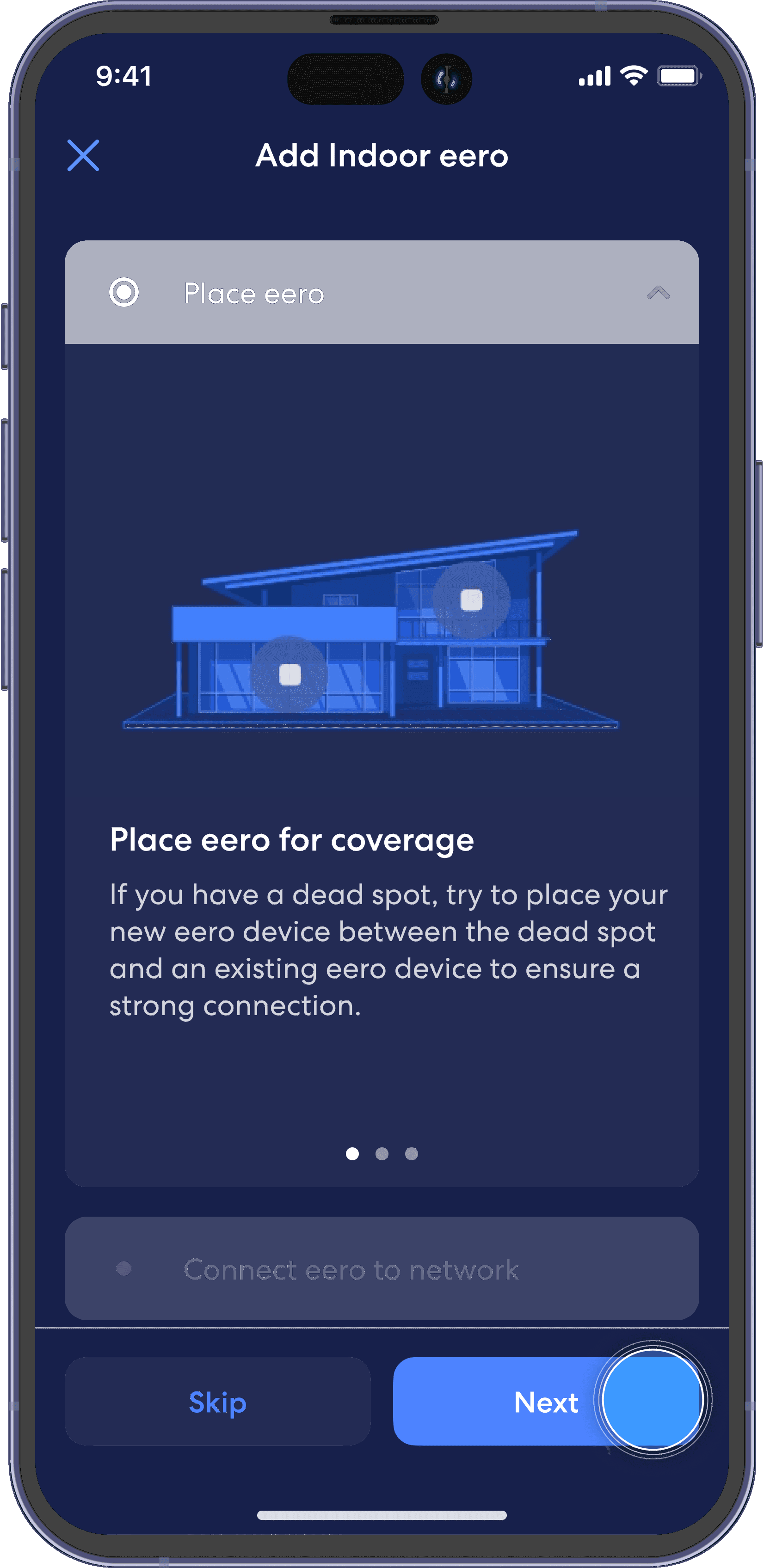
Read through the device placement instructions, and tap the Next button to continue.
Step 4
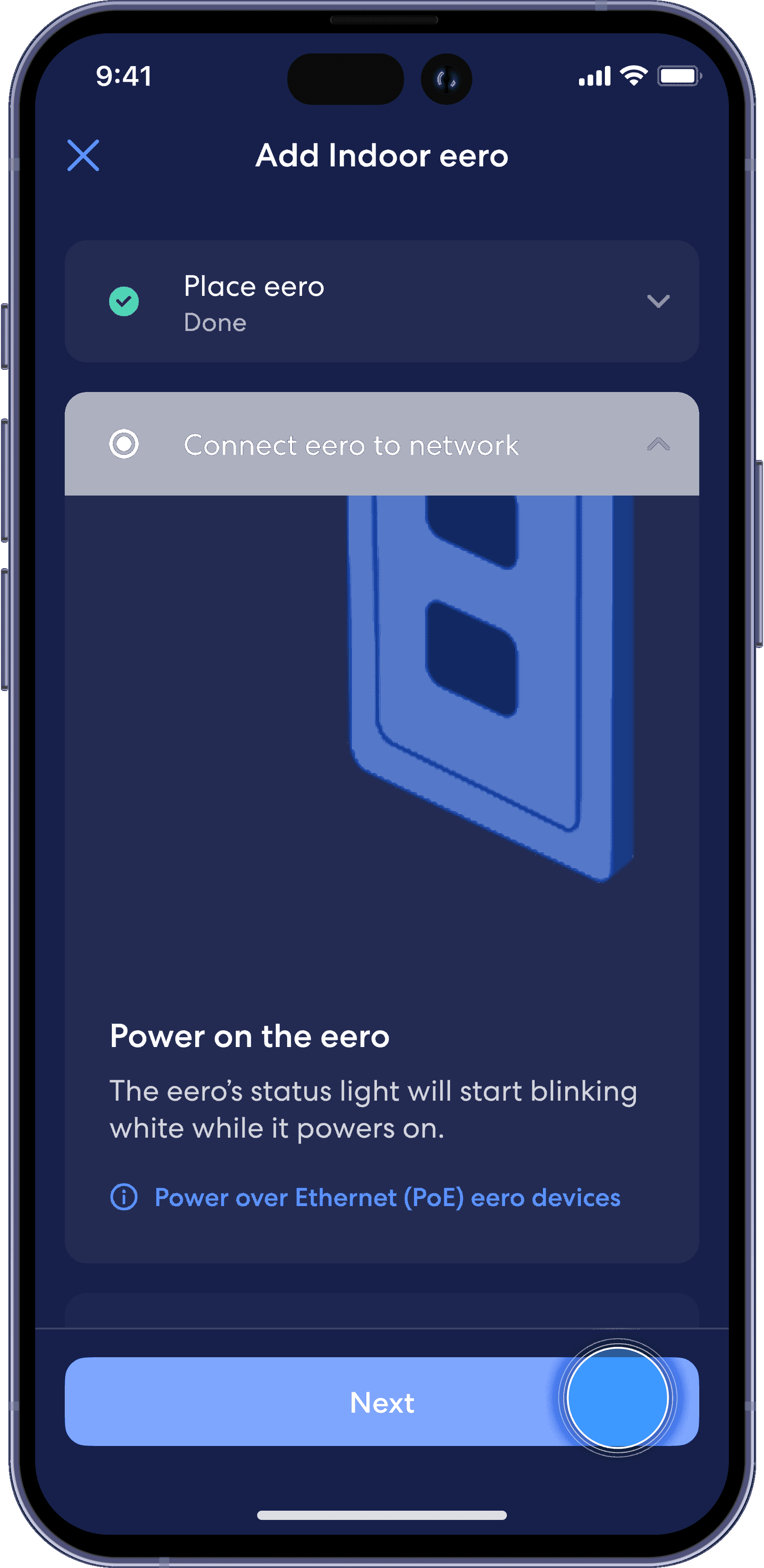
Plug in your new eero device to a power outlet, and tap Next.
Step 5
Once your new eero device is recognized, the app will run a test to ensure proper placement for optimal coverage.

Step 6
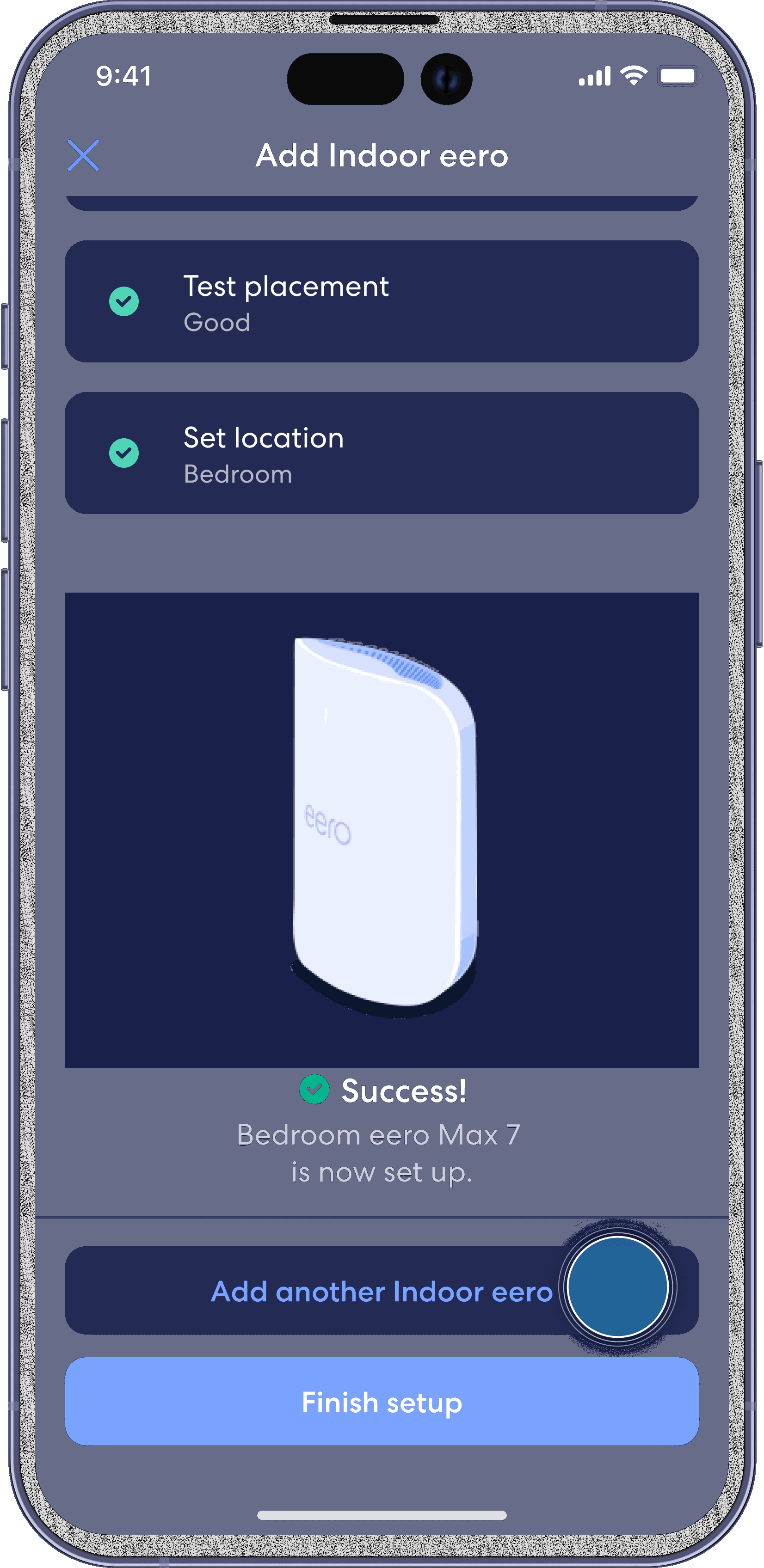
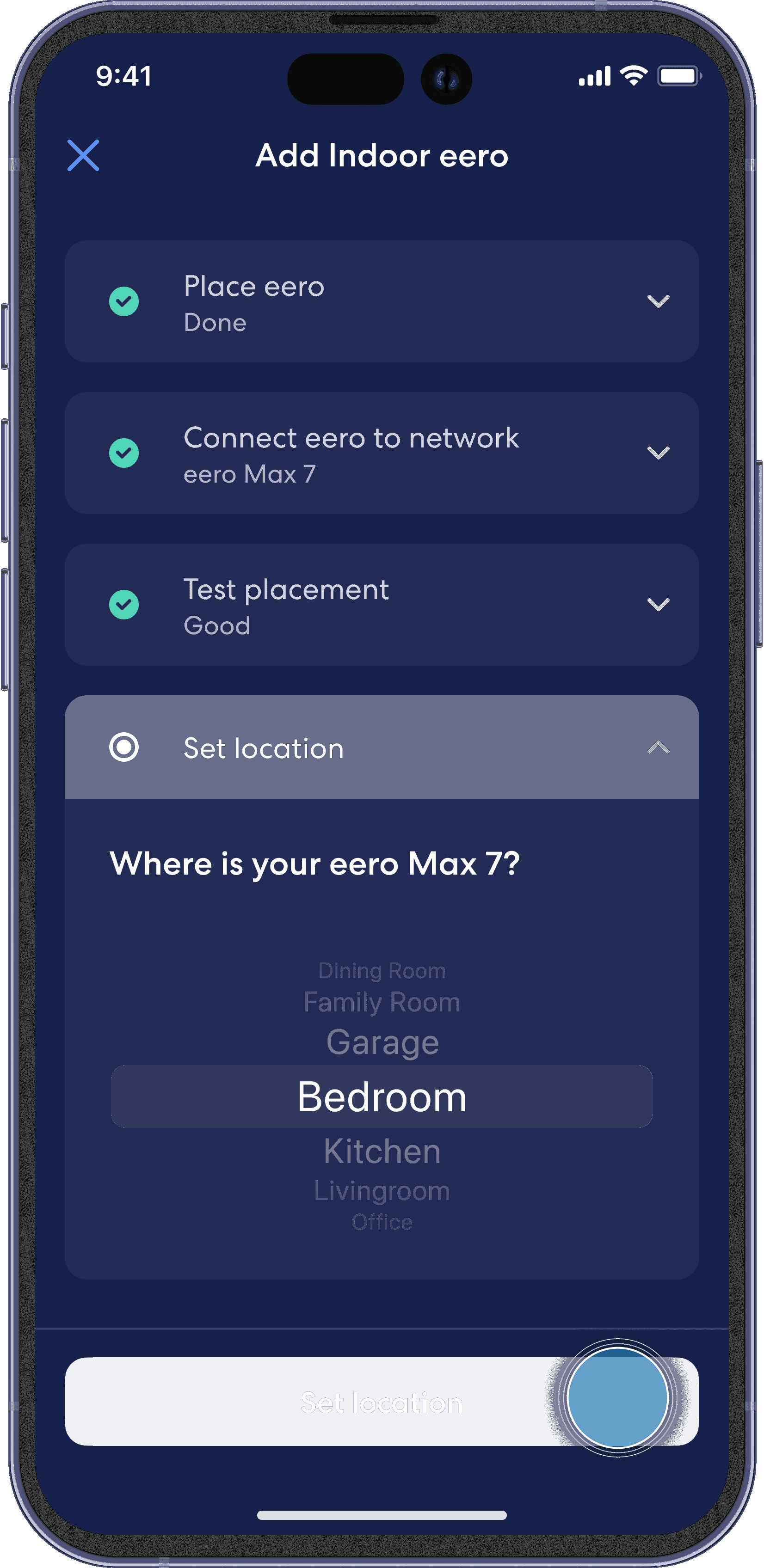
After proper placement is confirmed, select the location where your eero device resides.
Step 7
If you are done, tap Finish setup, or select Add another eero to add additional devices.