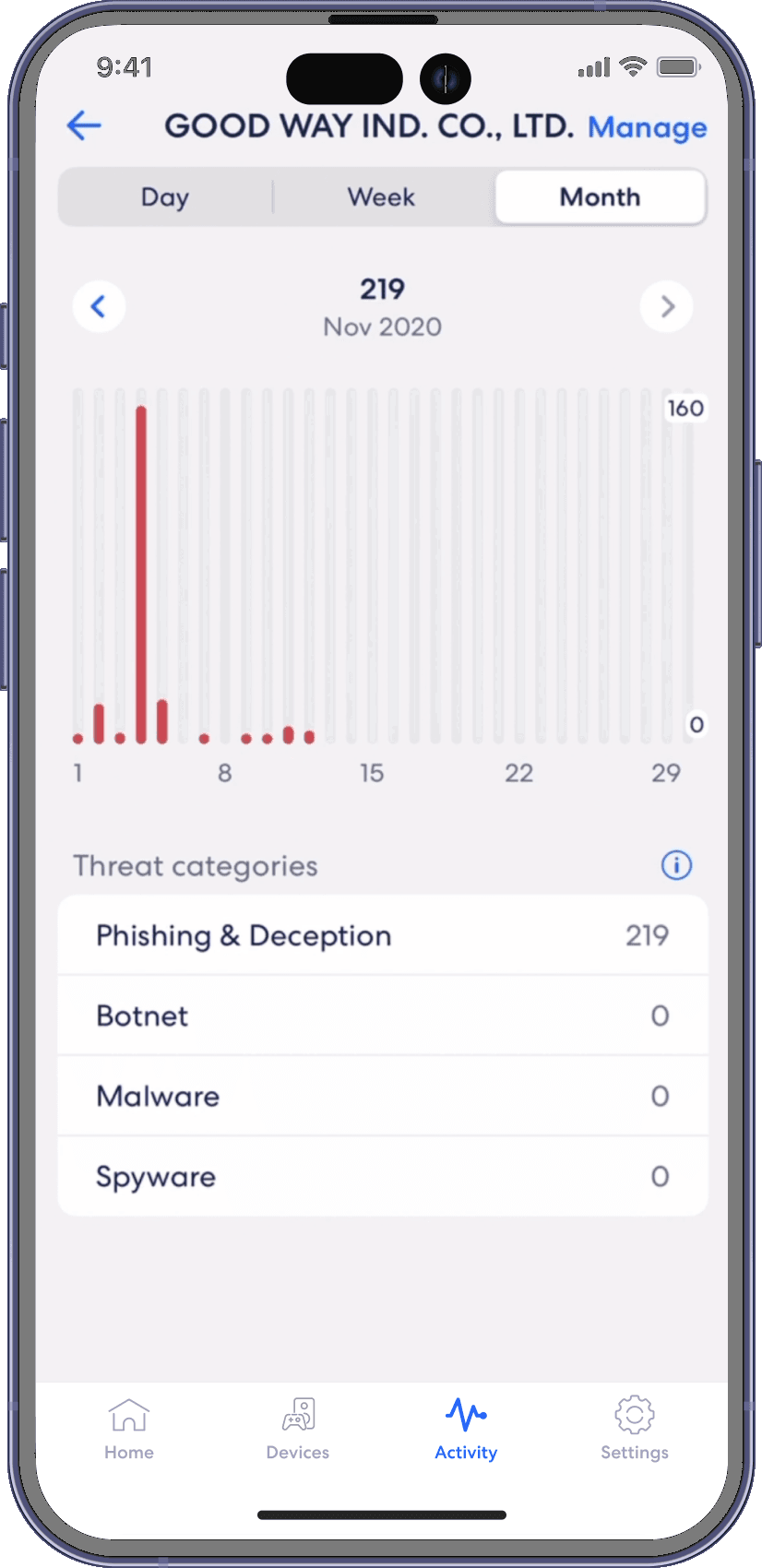
Activity centre
eero
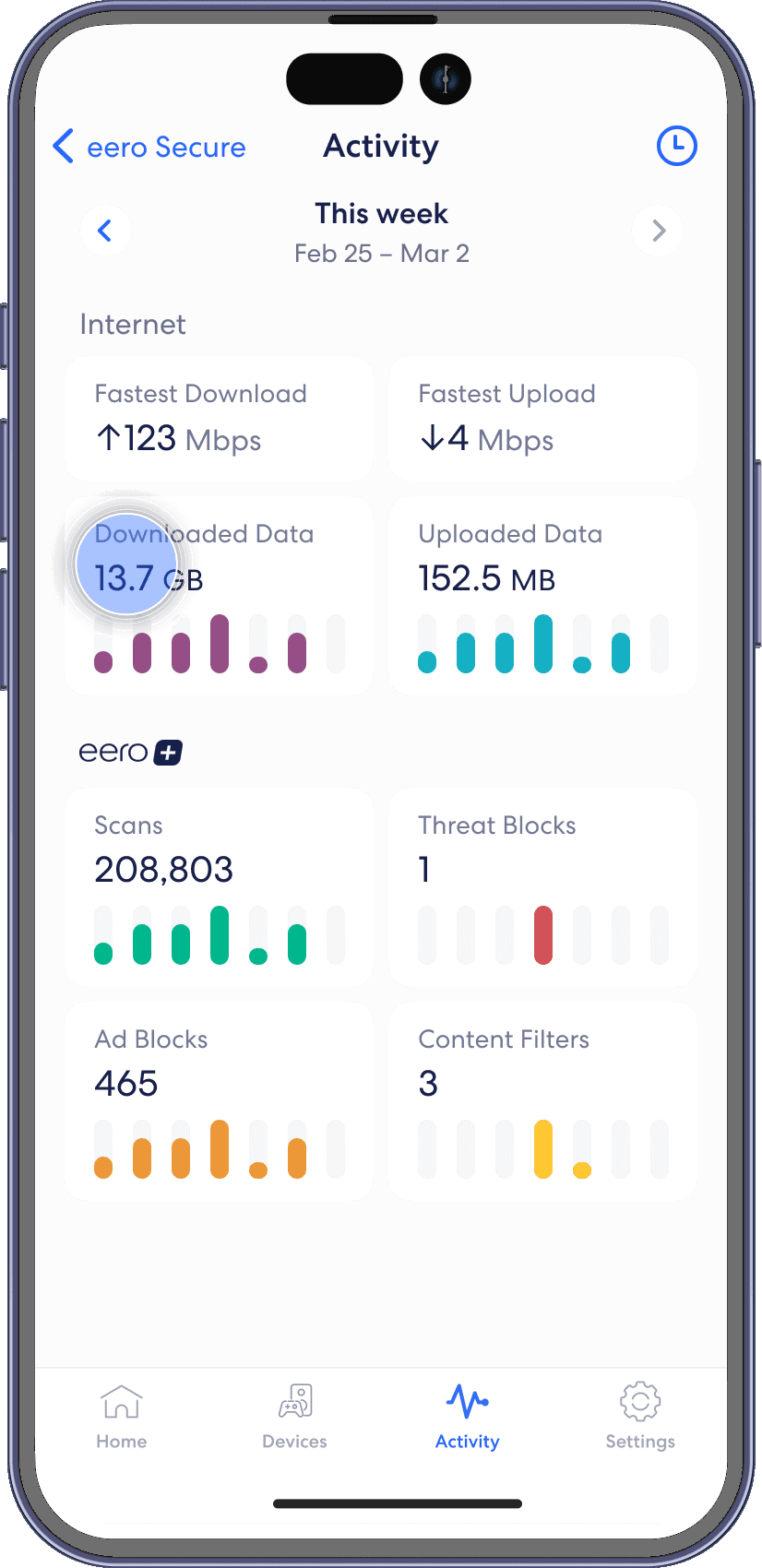
See how many filters eero Secure has performed and how many threats it has blocked. View scans and threat blocks activity from the Activity tab in the eero mobile app.
Step 1
From the Activity tab, tap on the Scans or Threats Blocked block.
Step 2
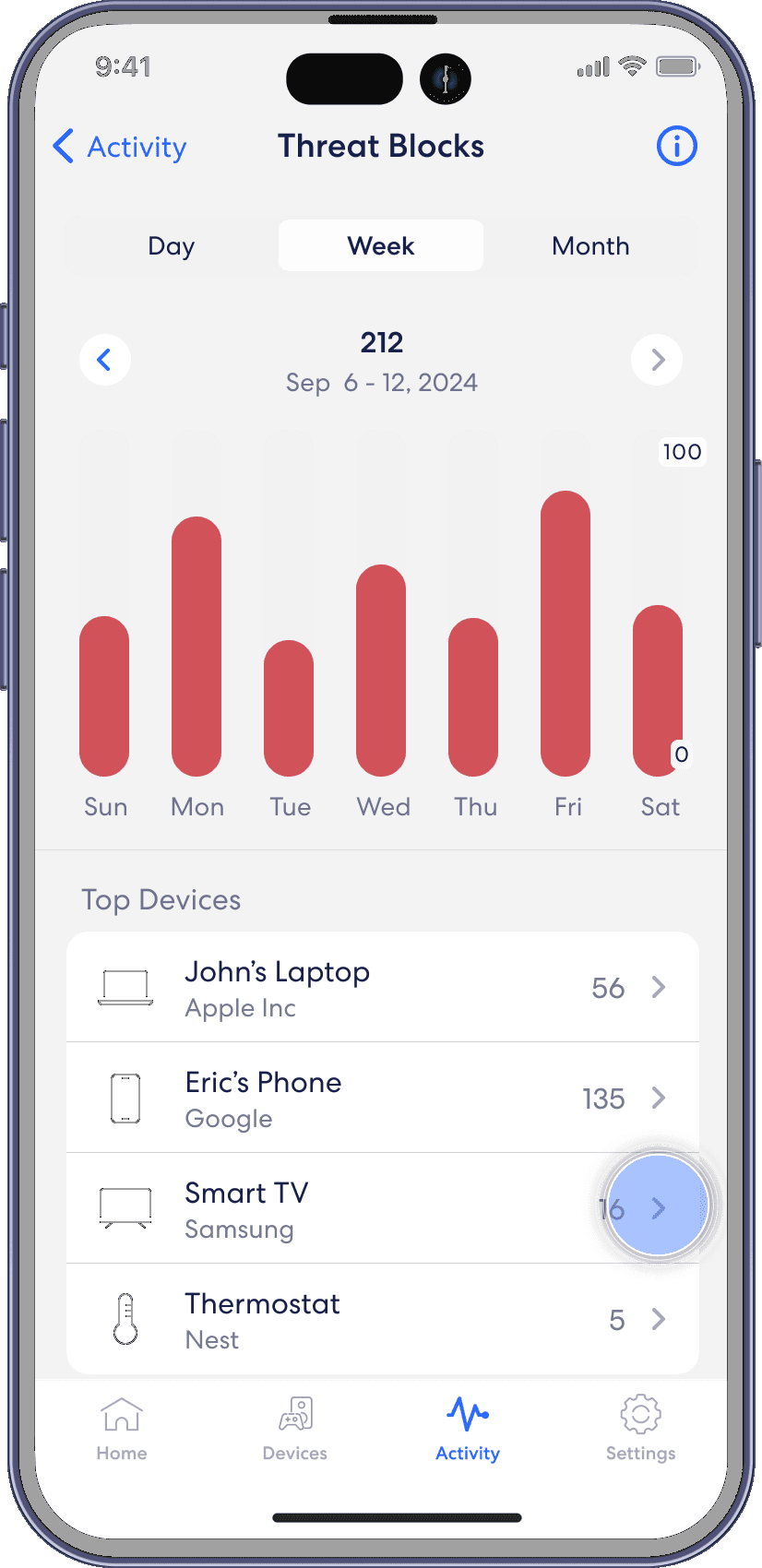
Navigate between Day, Week, and Month tabs. Click on a particular devices to view more details.
Step 3
Once done, tap on the blue arrow in the top left to go back.